Showing posts with label panorama. Show all posts
Showing posts with label panorama. Show all posts
Tuesday, July 13, 2010
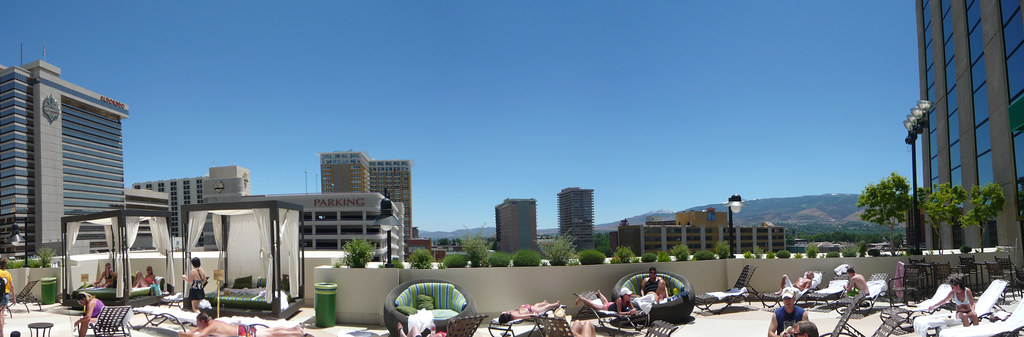
View from the Pool
The Silver Legacy pool is up about 10 floors or something from the street, outside. It's got a nice view looking at the mountains and some of the skyline. This is three photos I stitched together in Photoshop CS5.

Saturday, May 08, 2010
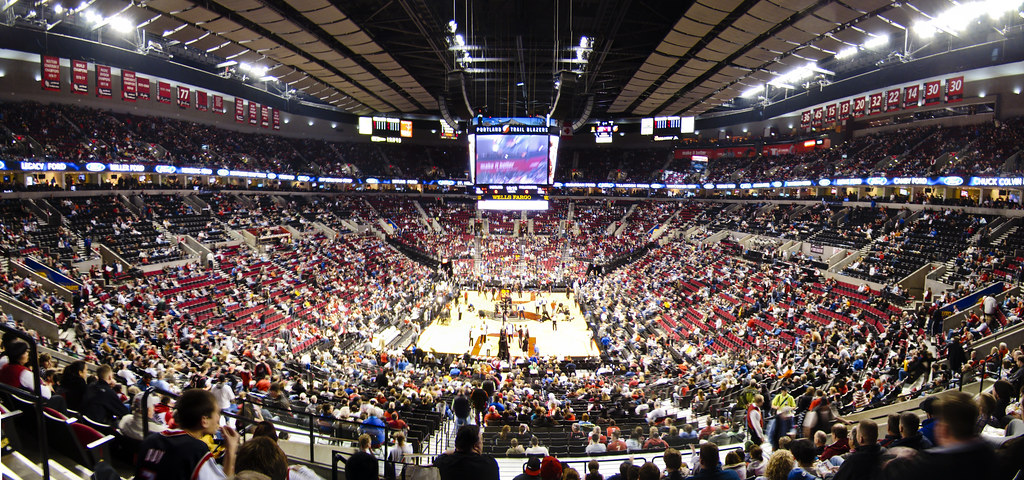
Rose Garden Panorama
Before a Portland TrailBlazers game. I took these fast and didn't adjust the camera settings enough. It's a little blurry but turned out pretty good.
Wednesday, August 29, 2007
Panorama's with Photoshop

Photoshop has made making Panorama's really easy. Take the photos. Open Photoshop (I'm using CS3, don't know if this is in previous versions). Choose File -> Automate -> Photomerge. Browse to your images and select them all. Leave all the defaults there. Click the OK button and wait. Depending on the size of each photo, how many photos you have and the speed of your computer, this could take awhile.
The above photo is made of six images each about 2MB. It took about 10 minutes on my laptop, but I also have a lot of other things open at the same time and was actually trying to work. Once the merge is done all that's left is to crop it out and you're done!
This is sooooo easy and cool that I'm going to start making more panorama's.
Subscribe to:
Posts (Atom)
